DOCUMENTATION-GROUNDED SUPPORT
Ground AI Support Replies in Your Documentation
AI support becomes safer when it answers from reviewed business knowledge instead of relying on broad model memory. The quality of the reply is limited by the quality and scope of the source material.
Choose authoritative source material
Use current product documentation, setup guides, policies, troubleshooting steps, and approved answers. Avoid importing old marketing pages, abandoned drafts, forum speculation, or documents that mix several product versions without labels.
If two sources disagree, resolve the conflict before asking AI to use either one.
Structure information around real questions
Clear headings, concise answers, numbered procedures, and explicit Question/Answer blocks are easier to extract and review than long promotional pages. One answer should solve one recognizable problem.
FAQ schema can help identify question-and-answer content, but markup does not make inaccurate content trustworthy.
Preserve scope and provenance
Store the source URL or file, product, plan, category, and review status with each answer. The draft should use knowledge that matches the current ticket rather than searching every entry indiscriminately.
Source tracking also lets a human verify a draft quickly instead of trusting an unexplained result.
Review imports before they become trusted
Local extraction can identify likely questions and answers without spending an AI call, but a person should decide what enters the support library.
Remove navigation fragments, sales language, customer-specific data, duplicate answers, and any instruction that is no longer current.
Use missing answers as a signal
When the system cannot ground a reply, escalate the ticket and record the gap. That is useful information: the business may need a new document, a clearer policy, or a product fix.
Do not let the model fill the gap with a plausible guess. Uncertainty is a workflow event, not a writing challenge.
Why AI Support Gives Wrong Answers—and How to Improve Its Knowledge Base
A confident reply can still be wrong. Trace it back to the source, the product and plan it applies to, and the question the customer actually asked before changing your AI settings.
Pause automatic sending before investigating
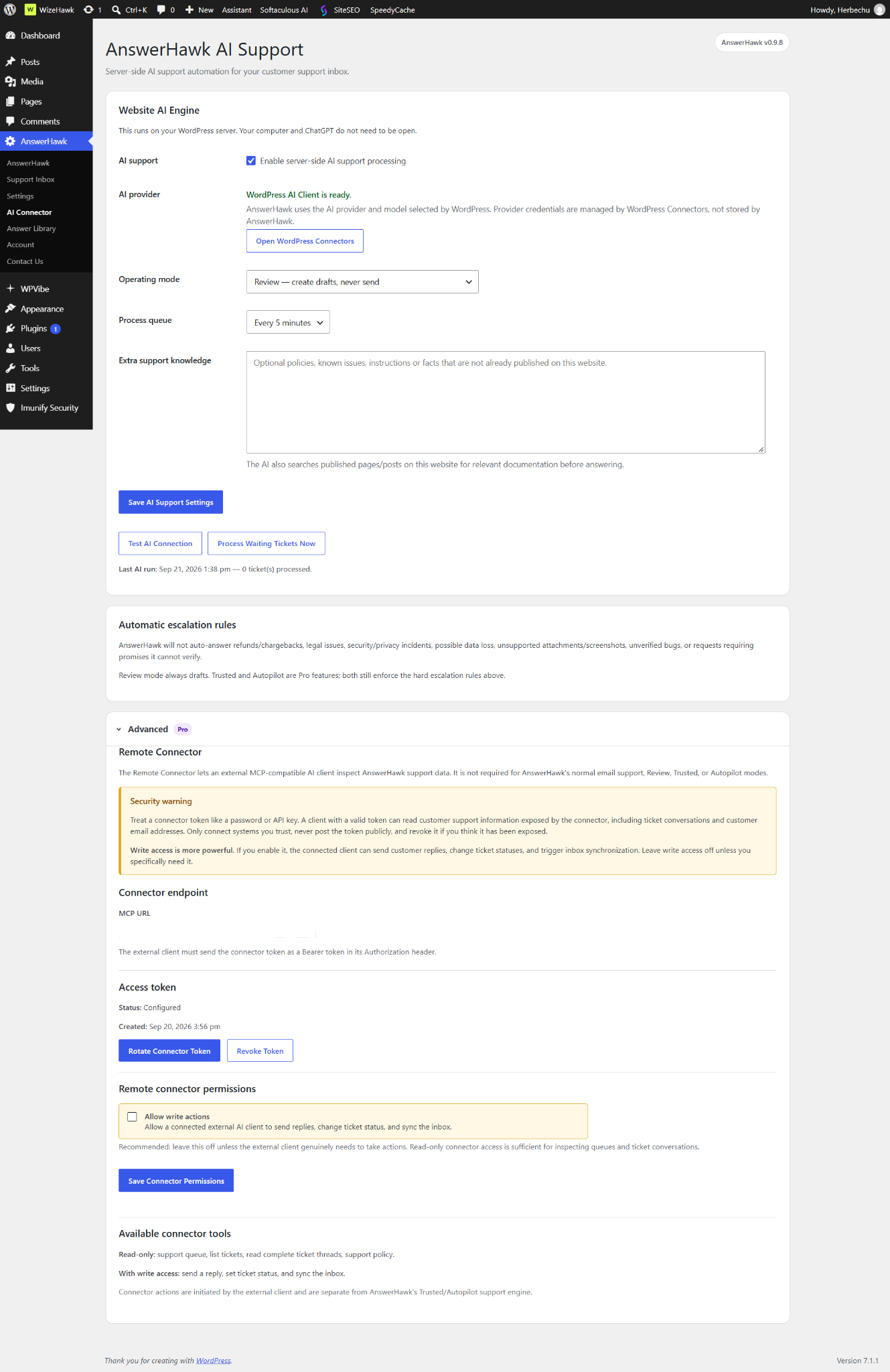
If an incorrect reply reaches a customer, return AnswerHawk’s Operating mode to Review and save. Keep the original ticket, draft, relevant knowledge, and current product instructions available for investigation. Remove private details from anything shared outside the support team.
Do not begin by asking for a more confident answer or lowering the review threshold. First identify the failure: missing knowledge, stale knowledge, an incorrect match, an incomplete question, or a generated claim that the source never supported.
Check the source, not just the wording
A polished paragraph can accurately repeat an outdated instruction. Compare the reply with the current product version and the actual screen. If the source says a feature exists in Free but it moved to Pro, rewriting the sentence will not fix the underlying error.
In AnswerHawk, inspect the relevant Answer Library entry and its product/plan scope. Also check Extra support knowledge and relevant published pages and posts on the WordPress site. The drafting engine can use site documentation, so correcting one library entry while leaving contradictory public instructions can leave the problem unresolved.
Separate similar questions that need different answers
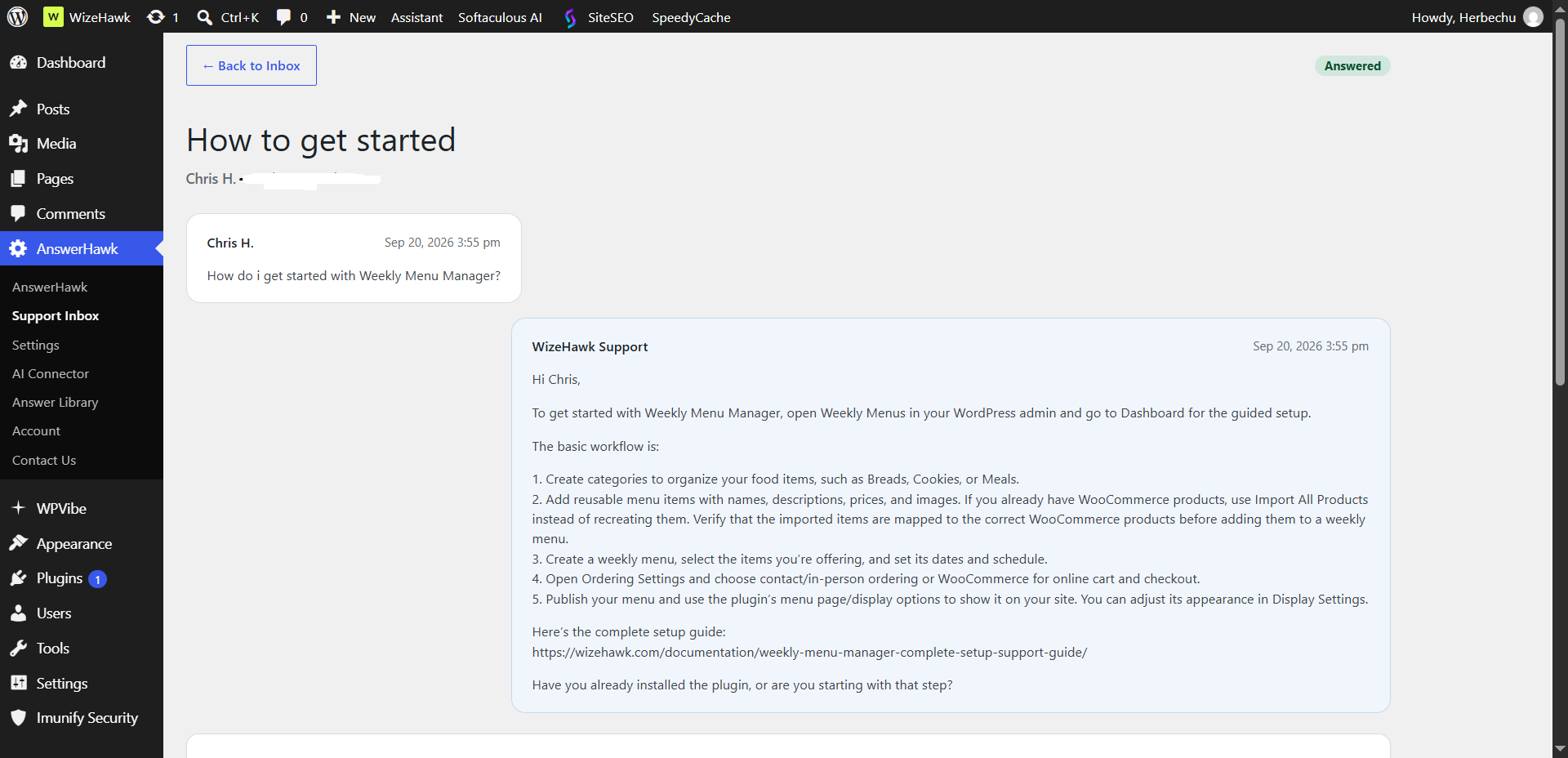
“I cannot find pickup times” might mean the checkout fields are hidden, all slots are full, or the customer selected a day that is not offered. An answer that simply tells everyone to enable pickup may sound helpful while missing the actual cause.
Write one reusable answer per recognizable problem. Make the prerequisite explicit: which product, which plan, which mode, and which condition must be true. Where that information is missing, ask a short clarifying question or request human review instead of choosing the most convenient interpretation.
Give the answer a verifiable structure
- State the question the answer resolves.
- Name prerequisites and product/plan limits.
- Provide the shortest complete procedure with actual screen labels.
- Explain the expected result so the customer can check it.
- State when the steps do not apply and when to contact support.
- Link the current authoritative guide or policy.
For example, a documented setup location can be answered directly. A request to recover deleted customer data needs more context and a human. Adding a generic “please contact support if needed” at the bottom does not make a risky invented recovery procedure safe.
Review documentation imports
AnswerHawk 0.9.11 extracts candidates from supported documentation files or a public web page. Extraction is not fact-checking. The import preview is where a person removes stale instructions, navigation fragments, partial answers, and duplicates before they become approved knowledge.
Use clear question headings or explicit Question/Answer sections. A long marketing page may provide few useful candidates. One scanned URL also does not imply that linked pages were imported or that future changes will synchronize automatically.
Keep source information beside the answer. When a policy or setting changes, update the authoritative document and the applicable stored answer together. Do not keep two conflicting versions active without clear scope.
Test the boundary, not only the happy path
After correcting the knowledge, run a small controlled test set in Review mode. Use fictional messages and an inbox you control. Keep expected outcomes in a simple checklist so a plausible answer does not get mistaken for a correct one.
- A straightforward question that the entry answers.
- A different phrasing of that same question.
- A similar question about a different product.
- The same feature question from a Free user when the feature is Pro.
- A question for which no documented answer exists.
- A sensitive request such as a refund or possible data-loss report.
Confirm that correct answers stay within their sources and that mismatched or sensitive cases reach human review. A displayed confidence percentage is not independent evidence that the content is true. Read the actual response.
Know what automation cannot remove
AnswerHawk’s Pro Trusted and Autopilot modes apply escalation rules, but no classifier can guarantee it will recognize every sensitive request. Refunds, security, legal/privacy concerns, unverified bugs, and unsupported promises require caution and human involvement. Do not teach the system to invent a policy simply to reduce the escalation count.
If the source is correct and the error persists, keep automated sending off and collect the plugin version, operating mode, product/plan, sanitized question, incorrect reply, and correct source. Share the reproducible example with support. Never include provider keys, mailbox passwords, or private customer messages.
Build a smaller, more reliable knowledge base
A hundred conflicting answers are harder to trust than ten current ones with clear limits. Review knowledge after releases and after incorrect matches. Repeated escalations can reveal a missing help article, an unclear setting, or a product problem that deserves a fix.
Read how to build a reusable Answer Library, then follow the AnswerHawk setup guide. The product page explains current features and release status.
RELATED ANSWERHAWK GUIDES